
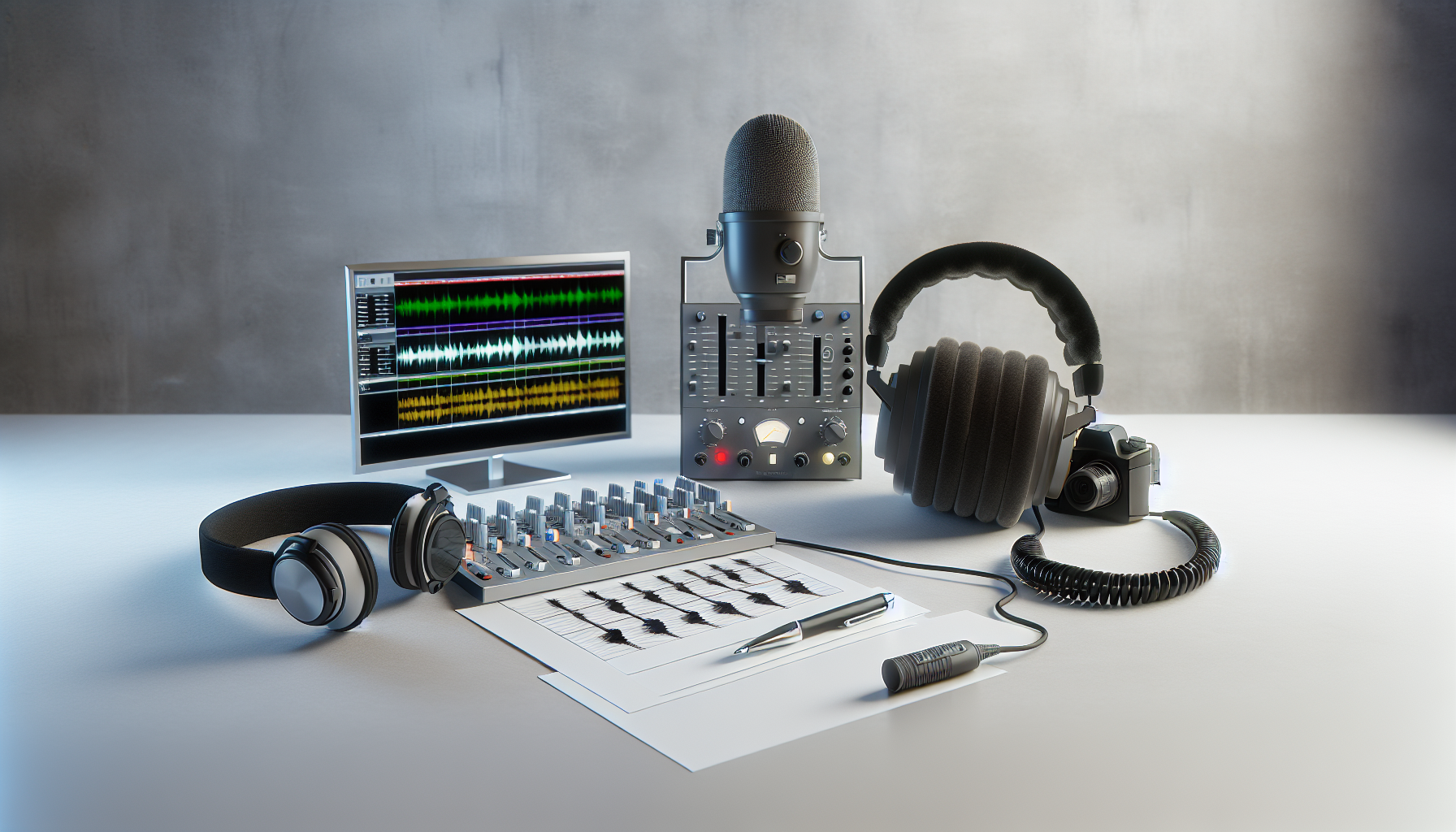
Advanced Audio Quality Improvement Techniques for Videos
Audio quality is one of the most important parts of making professional videos. People often pay more attention to how videos look, but sound is crucial in keeping viewers interested and making your content look polished. If a video is great to look at but has poor sound, viewers might get frustrated and stop watching. High-quality audio pulls people in, makes them enjoy the content more, and shows that you are serious about your work.
In this blog, we will delve into advanced techniques to improve the audio quality of your videos. Advanced audio quality improvement can change the way your videos are perceived, taking them from good to great. We will cover everything from choosing the right equipment to nuanced post-production methods. Whether you are comfortable working with software like Adobe Audition or just starting, these strategies can help you deliver outstanding audio quality in your video projects.
Understanding Audio Quality in Videos: What Makes Good Sound?
Audio quality in video production is like having a clean canvas for a painting. It allows everything else to shine brightly. Good audio quality means you can hear dialogue clearly, the volume is just right, background noise is minimal, and the sound matches what you see on screen perfectly. When these elements come together, it makes for a viewing experience that feels smooth and enjoyable, not distracting or annoying.
To get good audio, it all starts with the right environment and equipment. Picking the correct microphone for your setting is just as important as choosing the right camera. Different microphones work best in different situations: a lavalier mic is good for interviews, a condenser mic suits controlled studio environments, and a shotgun mic is best for picking up sound in one direction. Each serves its purpose, helping you capture the best possible audio right from the start.
You might wonder why good audio quality matters so much. Well, when audio is clear and well-balanced, it makes people pay attention to your message. People find it easier to follow along, they don’t get distracted by weird sounds or too-loud music, and they can fully focus on what you have to say. All these factors make your content more engaging and enjoyable.
Techniques for Audio Quality Improvement: Using the ENCN Method
To really improve your audio quality, following a structured approach is key. One effective method is called the ENCN protocol, which stands for Equalize, Normalize, Compress, and Normalize again. Each of these steps works together to solve different audio issues in a logical order.
- Equalization (EQ): This is where you start when improving audio. It involves using tools to adjust the balance of different frequencies in your audio. For example, a high-pass filter can help remove low-frequency noises that muddy your sound. Boosting mid-range frequencies makes voices clearer and dialogue easier to hear.
- Normalization: This step is about making sure your audio levels are consistent. It means adjusting the volume so that louder parts aren't too loud and quieter parts aren't too soft. By normalizing at the start and end of your editing process, you keep audio levels optimal throughout.
- Compression: This controls how loud different audio parts are. It takes the louder parts down and brings the softer parts up, giving you a smooth and even sound. This ensures all parts of your audio are easy to hear without sudden jumps in volume.
Advanced Processing: After covering the basics, adding mastering effects can really polish your audio. Effects like audio exciters add brightness and clarity, making the sound feel lively and engaging. It’s the finishing touch that gives your audio a professional edge.
Noise reduction is also crucial in enhancing audio quality. Tools available today can effectively cut out annoying background sounds like hums and hisses. However, the success of noise reduction largely depends on how noisy the initial recording was. So, it’s always better to record in a quiet place if you can.
Role of Audio Trimming in Audio Quality Improvement: Streamlining Your Sound
Audio trimming is a technique often overlooked in the audio editing process, but it is incredibly effective for enhancing the clarity and professionalism of your audio tracks. Trimming means removing unnecessary parts of your audio, such as unwanted silence, long pauses, or background noise segments. This helps to keep your audio concise and focused, allowing your main content to shine.
There are many online audio cutters that can help you achieve precise edits without needing complex software. These tools are particularly useful for those who are just stepping into the world of audio editing or who may not have access to advanced editing programs. These platforms simplify the process, ensuring that even beginner editors can produce professional-sounding audio.
Trimming not only reduces silence but also helps remove small noise distractions that could otherwise diminish the listener’s experience. By carefully listening through and cutting the parts that don't contribute positively to your content, you create a more engaging and tighter soundscape. This makes sure that your viewers remain focused on your message rather than getting distracted by unnecessary audio elements.
By mastering audio trimming, you enhance your video's audio quality substantially without investing in new gear or software. It's an easy yet effective method to elevate your production quality.
Video Trimming and Its Impact on Maintaining Audio Quality: The Art of Synchronization
In video editing, trimming is equally important to ensure that the audio and visual elements sync perfectly. A video might be flawlessly trimmed to the second, but if the audio doesn’t match this precision, the overall quality will be compromised. Video trimming centers around maintaining proper synchronization between audio and visual content.
To achieve precise video trimming, using an online video trimmer can be very helpful. These tools allow you to manage both video and audio timelines efficiently, ensuring they match perfectly. Proper synchronization gives the viewer a fluid and uninterrupted experience. Learning to use these tools effectively can significantly enhance the harmony in your video projects.
Careful video trimming guarantees that your content appears highly professional. Viewers may not consciously notice synchronization, but they become acutely aware of its absence. When everything is aligned well, it creates a seamless experience that maintains viewer engagement and makes your content more relatable.
Sometimes, after trimming, you may notice that some audio sections do not meet the desired quality standards. In such cases, consider re-recording those specific sections to maintain consistency and clarity throughout your content. This ensures that every part of your video, both in visual and auditory terms, delivers a uniform message.
Video Converters: Enhancing Audio Through Format Changes
A video converter can play an essential yet often underestimated role in boosting the audio quality of your video content. By converting video files to higher-quality formats that support better audio specifications, you ensure that the sound remains top-notch. Formats and codecs like AAC and FLAC offer better audio fidelity, maintaining the richness and clarity of your original sound.
Choosing the right audio codec is vital for keeping your audio quality intact. Some formats compress audio a lot, which might reduce the quality, while others keep the sound nearly lossless, preserving even the finest details. By using the right video converter, you can select formats that keep your audio as high-quality as possible when your video is distributed or uploaded.
While converting your video, also pay attention to the bit rate and sample rate settings. Higher bit rates usually lead to better sound but require more data space. Balancing quality with file size is necessary depending on the platform or medium you are using. But the main goal is always to deliver high-quality audio that stands out for its detail and richness.
Utilizing Online Tools for Audio and Video Editing: Accessible Excellence
There is a wide range of online tools available that make audio and video editing more accessible to everyone. These tools are user-friendly and provide efficient ways to make impressive edits, even if you lack extensive technical knowledge. Popular online audio cutters and online video cutters simplify the editing process while delivering professional-grade results.
For those new to editing, online audio cutters help in making crisp, clean audio cuts. They allow you to upload, edit, and download files easily, ensuring your audio sounds polished. Similarly, online video cutters offer intuitive interfaces that help in trimming visual content without compromising on quality. With these tools, you don’t need expensive software to make your videos look and sound great.
These tools also have advanced options for those who want more control, such as adjusting the audio levels, adding fades, and managing synchronization between audio and video tracks. With simple drag-and-drop features, you can achieve complex edits without spending hours learning a new software.
Online platforms offer flexibility and the ability to work virtually from any location. Whether you're at home or on the go, these resources keep you connected and productive, ensuring your creative flow is never interrupted.
Case Studies and Examples: Audio Quality Improvement in Action
To illustrate the transformative impact of audio quality improvements on video content, we can look to a few real-world examples and case studies. Consider a documentary film where audio quality was enhanced through meticulous editing processes. Initially plagued with background noise and uneven volume levels, targeted interventions like the ENCN method, trimming, and strategic format conversion resulted in the documentary receiving positive reviews for both its narrative and professional sound design.
Engaging in before-and-after projects also allows a tangible appreciation of the impact that these audio techniques can make. For instance, a popular YouTube content creator might upload tutorials with uneven audio. After applying structured enhancements, such as compression for consistency and trimming for clarity, the creator reports a noticeable increase in user interaction and subscriber growth.
These examples highlight the critical difference that improved audio quality makes. Not only do they show enhancements in viewer engagement, but they also demonstrate how polished audio can support storytelling. The elevated production values that come with such improvements contribute significantly to how audiences perceive and connect with your content.
Practical Tips and Best Practices: Ensure Peak Audio Quality
Achieving quality audio requires both thoughtful practices in the recording phase and carefully selected strategies during post-production. Here are some practical tips and best practices to consider:
- Choosing the Right Microphone: Different scenarios call for different microphones. Make an informed decision based on your specific recording needs, whether it’s a lav mic for interviews, a condenser for studio work, or a shotgun mic for on-location shoots.
- Noise Reduction: While advanced tools can effectively remove noise, it is always better to minimize background noise at the time of recording. Turn off fans, air conditioners, and, if possible, record in a sound-treated environment.
- Gain Staging: Consistent gain staging across your audio setup ensures that you get the most out of your sound equipment without distortion, maintaining clean levels through the recording and editing phases.
- Multiple Device Checks: Test your audio on different devices before deciding the final version. Listening on various headphones, smartphones, and speakers can reveal potential areas for improvement that weren’t apparent on your primary editing equipment.
- Acoustic Treatment: Even basic absorbers and diffusers can make a significant difference in the quality of the sound you capture. Reducing reflections and echoes in the recording environment can yield better raw audio.
Avoiding common mistakes is crucial to maintaining high standards of audio quality. These include overusing effects that can make audio sound unnatural, not paying attention to proper gain staging, and relying too heavily on digital tools to fix poor recordings instead of preventing issues at the time of capture.
Conclusion: Elevating Your Production with Advanced Audio Techniques
In conclusion, improving audio quality in video production involves a combination of strategic planning, proper equipment choice, and sophisticated post-production processes. By employing audio trimming, video trimming, and sound-editing tools, you enhance not just the technical aspects of your production but also the emotional connection with your audience.
Advanced audio techniques such as using the ENCN method, intelligent audio trimming, and selecting the right audio format through video converters are crucial in elevating your content from good to professional-grade. Remember, top-notch audio helps establish your credibility and keeps the audience engaged, ensuring they receive your intended message without distractions.
Applying the techniques outlined here, from initial recording tips to finished edits, transforms your video production capabilities, setting your content apart in today’s competitive digital landscape. With the right focus on audio quality improvement, you ensure your projects not only look but also sound extraordinary, offering your audience an immersive, high-quality experience.